FAQ
Questions, answered
Straight answers about what GYST does, what SwapMeet does not do, and where your data goes. The user guide covers the app step by step.
General
What is GYST?
An iPhone and iPad app for the clothes you already own. You photograph them, GYST suggests an outfit each day from them and the forecast, keeps count of what you wear, and lets you pass things on to people nearby through SwapMeet.
What does it cost?
Nothing. There is no paid tier and no in-app purchase, and SwapMeet takes no fee.
What does it run on?
iPhone and iPad with iOS 15.1 or later. Removing photo backgrounds needs iOS 17. There is no Android or web version.
Do I need an account?
You can look around without one, but saving anything needs an account. Sign in with Apple, or sign up with an email address. You need to be 16 or older. More in the guide
I forgot my password.
There is no password reset in the app yet. Email joe@jamelna.com from the address you signed up with.
Who makes GYST?
One developer. Send Feedback in Settings, or email joe@jamelna.com, reaches the same person.
Your wardrobe
How do I add clothes?
Style, then Clothes, then the + button. Take a photo or choose one, tap AI Identify if you want the details filled in, check them, and save. Every item needs a photo; Add Item Manually lets you fill in the details yourself. More in the guide
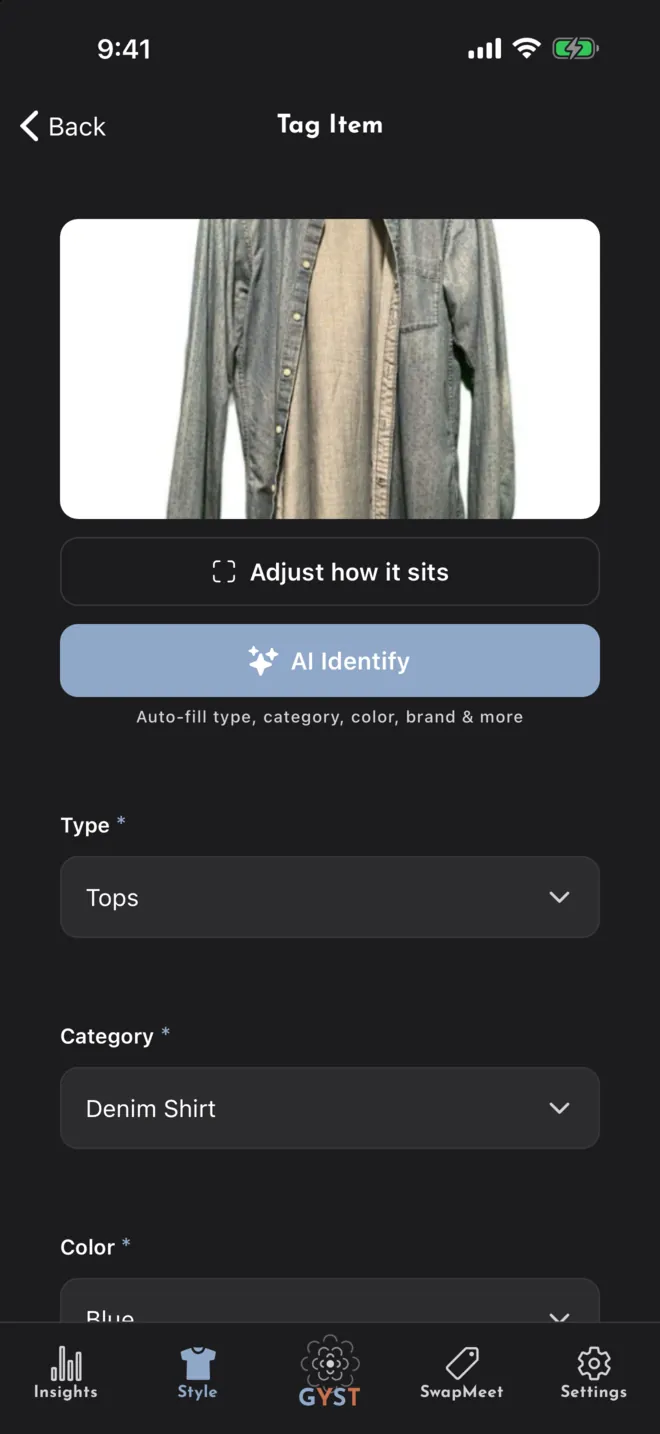
Is there a bulk import?
No. Items are added one at a time, which takes under a minute each once you have the rhythm. Start with what you wear most weeks.
How do I get a clean photo?
Lay the garment flat on a surface that contrasts with it, in daylight, filling the frame. Background removal is on by default and runs on your phone. For a photo that kept its background, open the item and tap the wand to clean it up. More in the guide
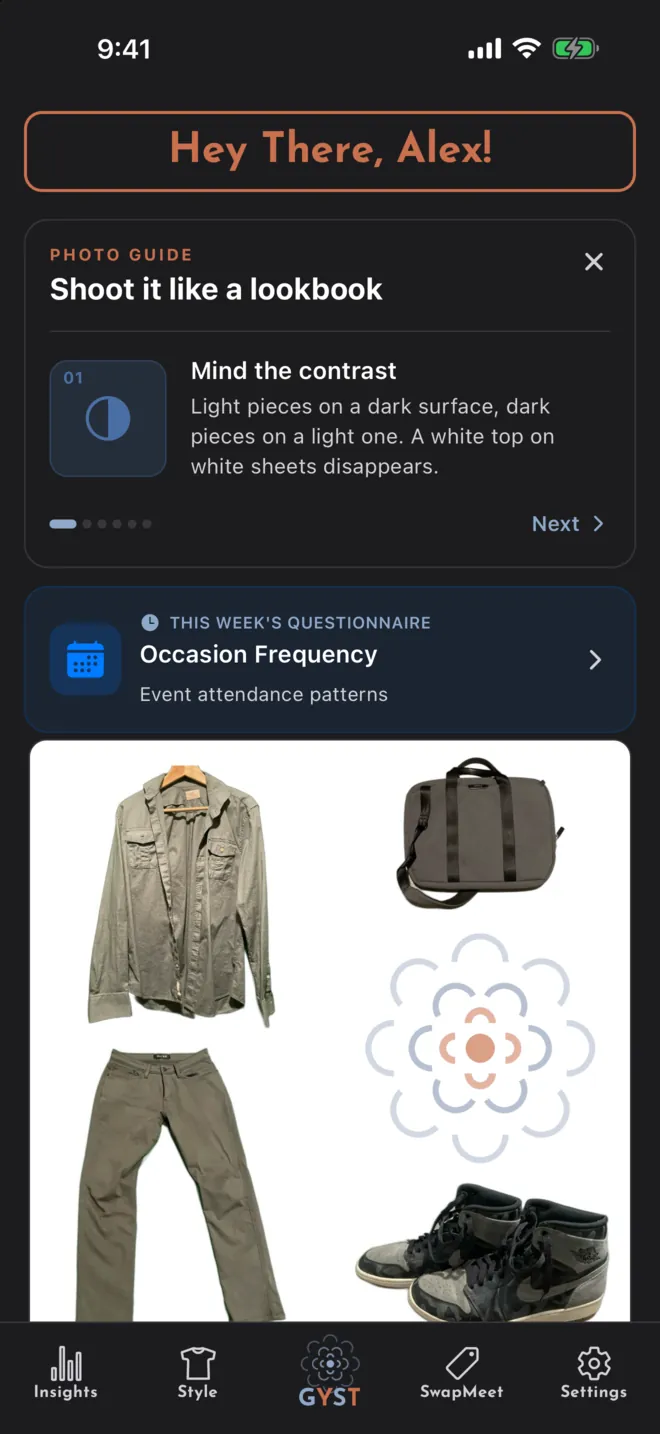
How does GYST know what I wear?
From what you tell it: Wore it on today’s outfit, I wore this today on an item, or logging an outfit under Style, Outfits. Each adds a wear to the pieces in it. More in the guide
Why did an item’s wear count go back to zero?
Times worn counts wears since the item was last cleaned. Mark as Cleaned sets it back to zero. More in the guide
Does GYST work offline?
Not reliably. Your wardrobe, suggestions and SwapMeet all come over the network.
Outfits and AI
How is today’s outfit chosen?
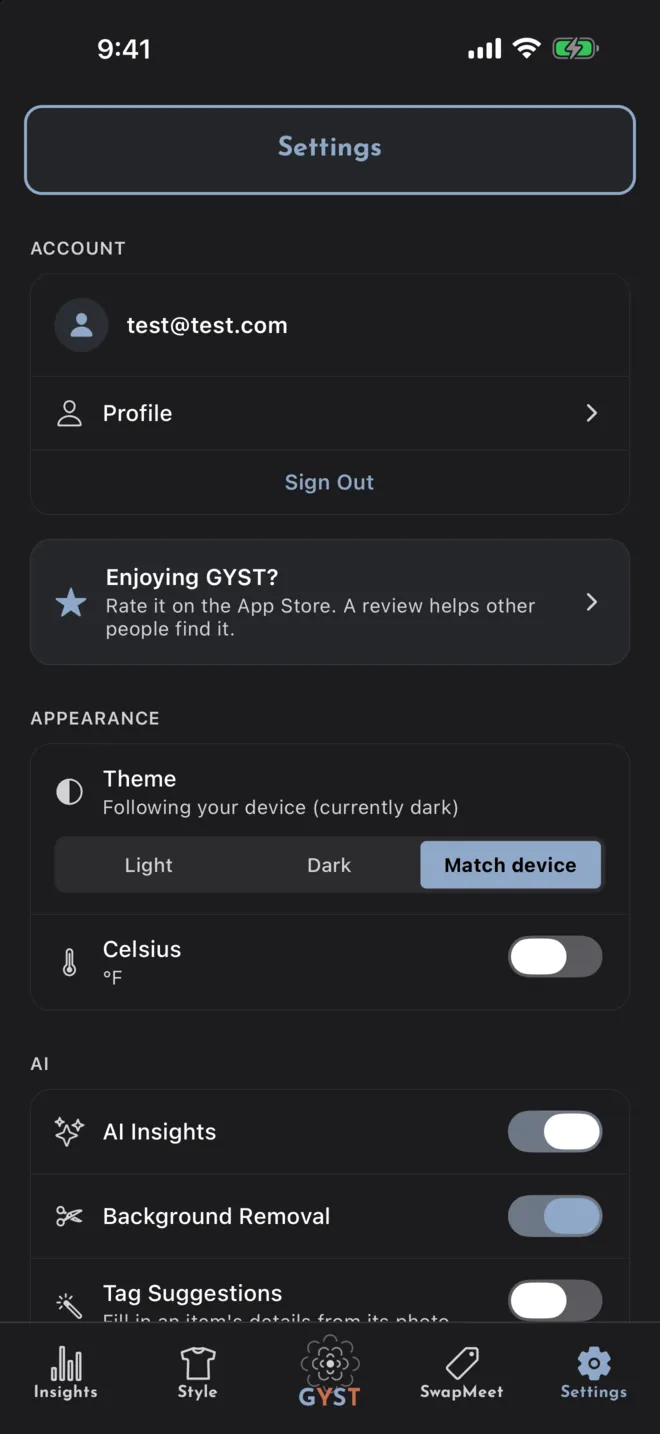
By default, on your phone, from your wardrobe, the forecast, what you have worn recently and what you have liked. Nothing is sent to an AI for it. Turn off Build outfits on this device in Settings to have Google Gemini choose instead; a rust-coloured edge on the card means an AI chose it. More in the guide
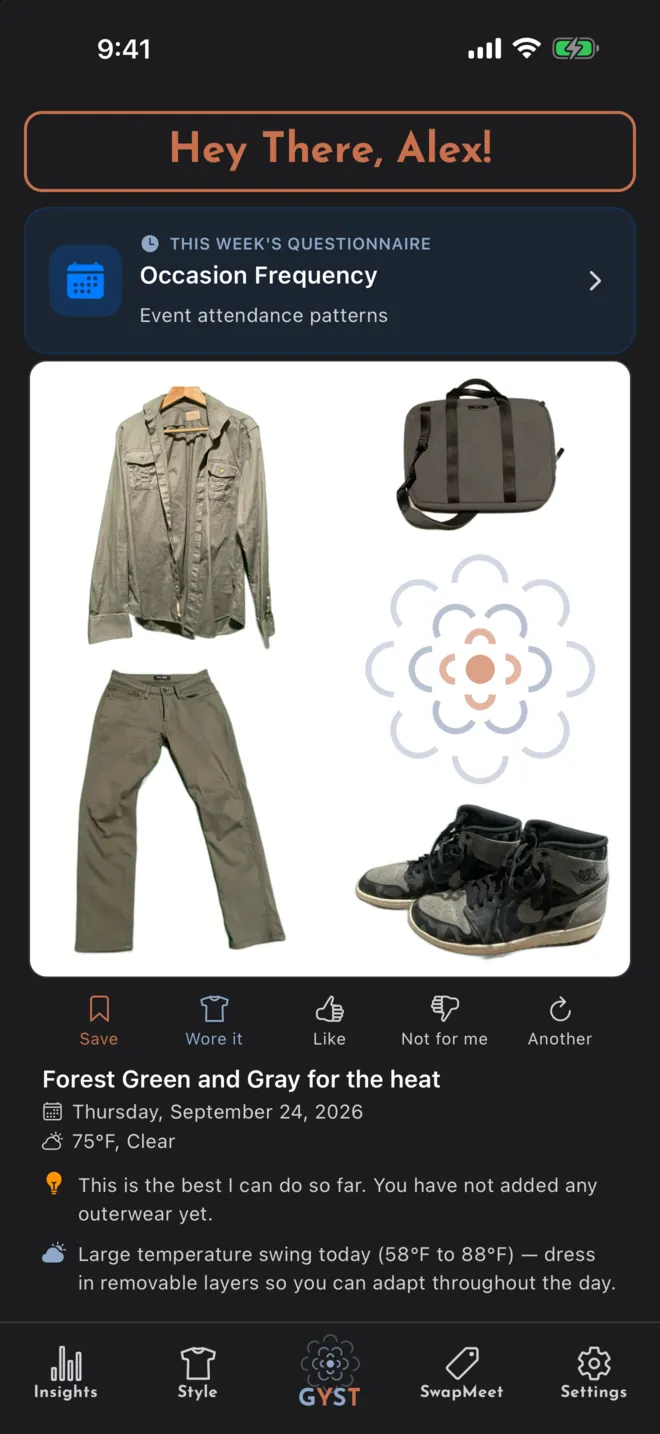
What gets sent to the AI?
AI Identify, Get AI Suggestions and outfit photo matching send the photo. The Stylist sends descriptions of your clothes, not photos, and the forecast. The Weather tab’s AI picks and AI-chosen daily outfits also send your style answers and notes, what you have worn and when, and the suggestions you liked or turned down. The first time you use one, GYST says so and asks. More in the guide
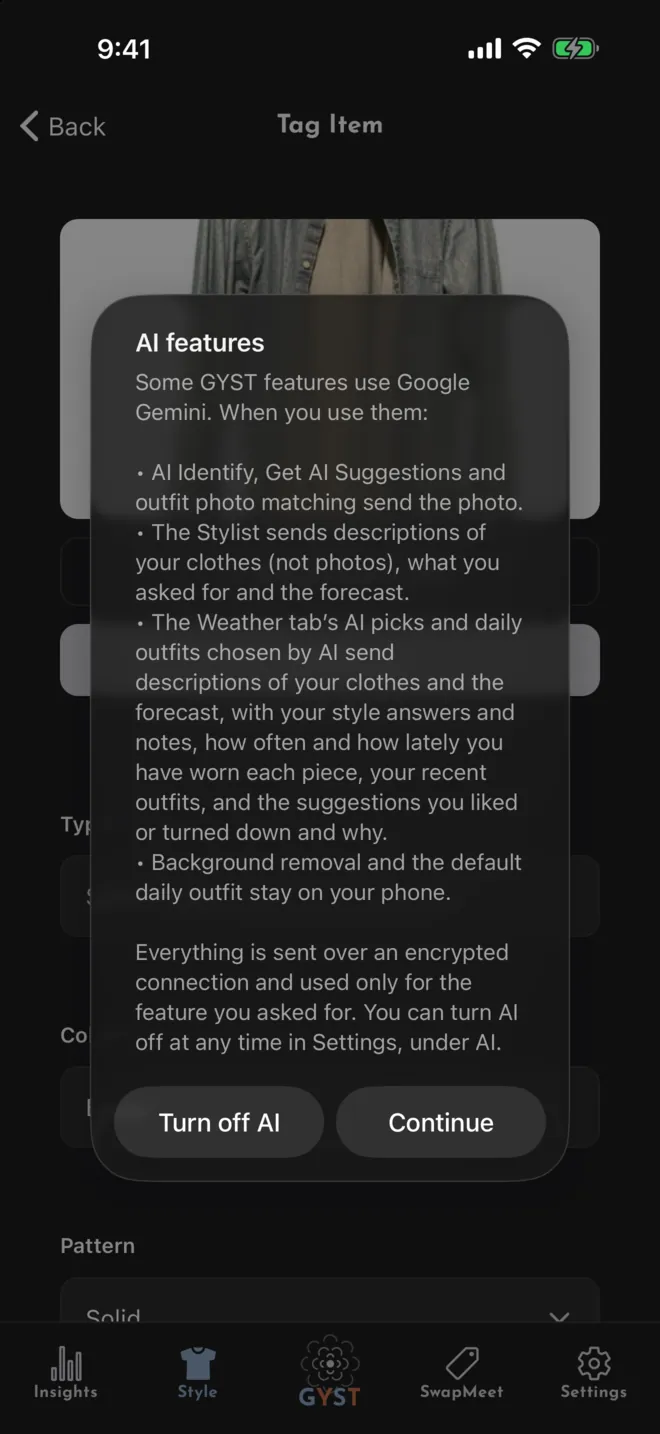
Can I turn AI off?
Yes. Turn off AI Insights in Settings, under AI. Nothing is then sent to an AI: AI Identify and the Stylist stop, the Weather tab skips its AI picks, and today’s outfit is built on your phone. More in the guide
What is a capsule?
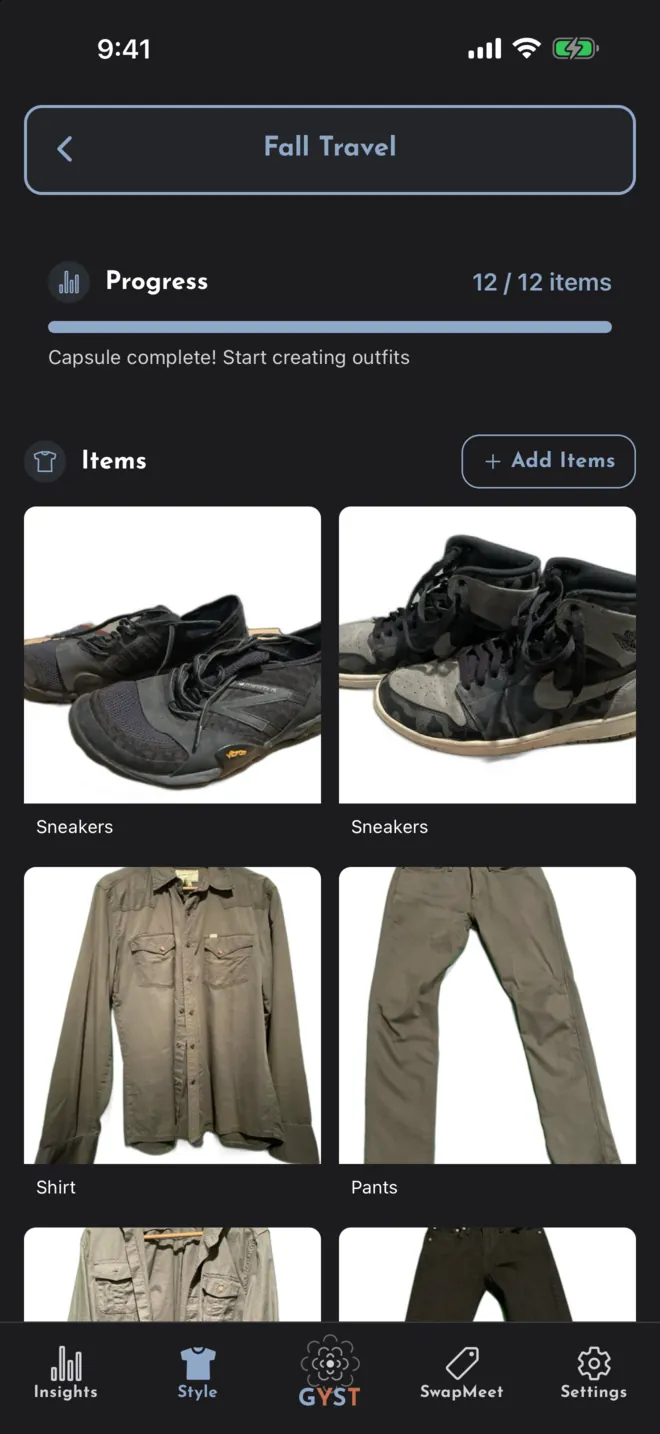
A small set of your clothes for a purpose, like a trip or a season, of 8 to 20 items. GYST can put up to ten outfits together from what is in it, by simple rules on your phone rather than AI. More in the guide
SwapMeet
What is SwapMeet?
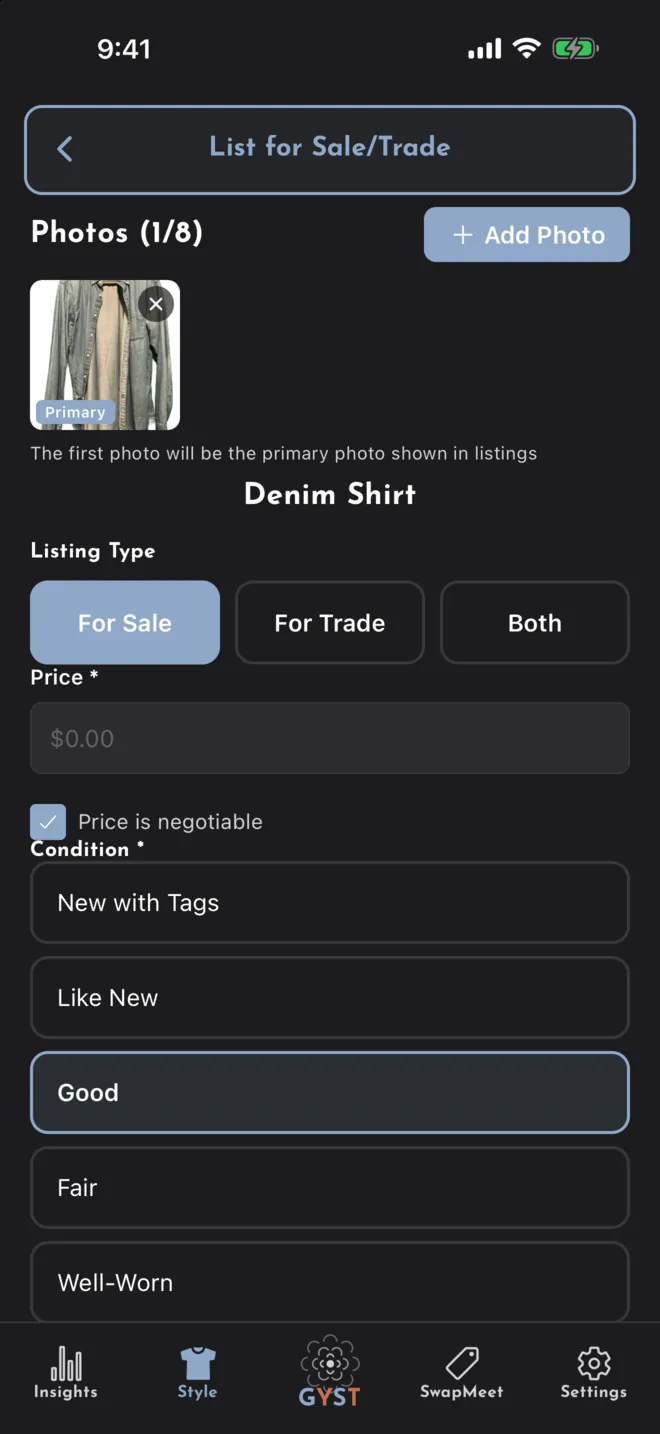
A listings board for clothes from people near you. You list something from your wardrobe for sale, for trade or either, message the other person, and meet to hand it over. More in the guide
Can I pay through the app?
No. There is no checkout, no fee, no shipping and no buyer protection. You agree the price or the swap between you, and settle it in person.
Where should we meet?
Suggest Safe Meeting Location offers public places near you from OpenStreetMap, such as libraries, police stations, cafés and banks. The other person approves the place, and either of you can set a time. More in the guide
Who can see my listing?
Anyone, including people without an account: its photos, description, price, your display name and roughly where it is, rounded to about a kilometre. You need Public Profile turned on to list.
Someone is bothering me.
Open the conversation and use the menu: Block User stops them messaging you about that listing or any other and hides their listings from you, and Report User sends the report to the developer. The app also blocks phone numbers, email addresses and abusive language in messages.
How do I take a listing down?
Open it and tap Remove Listing. Listings cannot be edited; to change one, remove it and list the item again.
Privacy and your data
Who can see my wardrobe?
Only you, apart from anything you list on SwapMeet, which is public. Your data is stored in Firebase, and the developer can reach it to run the service.
Is my data sold, or used for ads?
No. GYST shows no advertising and does not sell or share your data for advertising.
Why does GYST ask for my location?
For the forecast behind outfit suggestions, which sends it to GYST’s weather service; for how far away SwapMeet listings are; and for suggesting meeting places, which sends it to OpenStreetMap. You can say no and use the rest of the app.
How do I get a copy of my data?
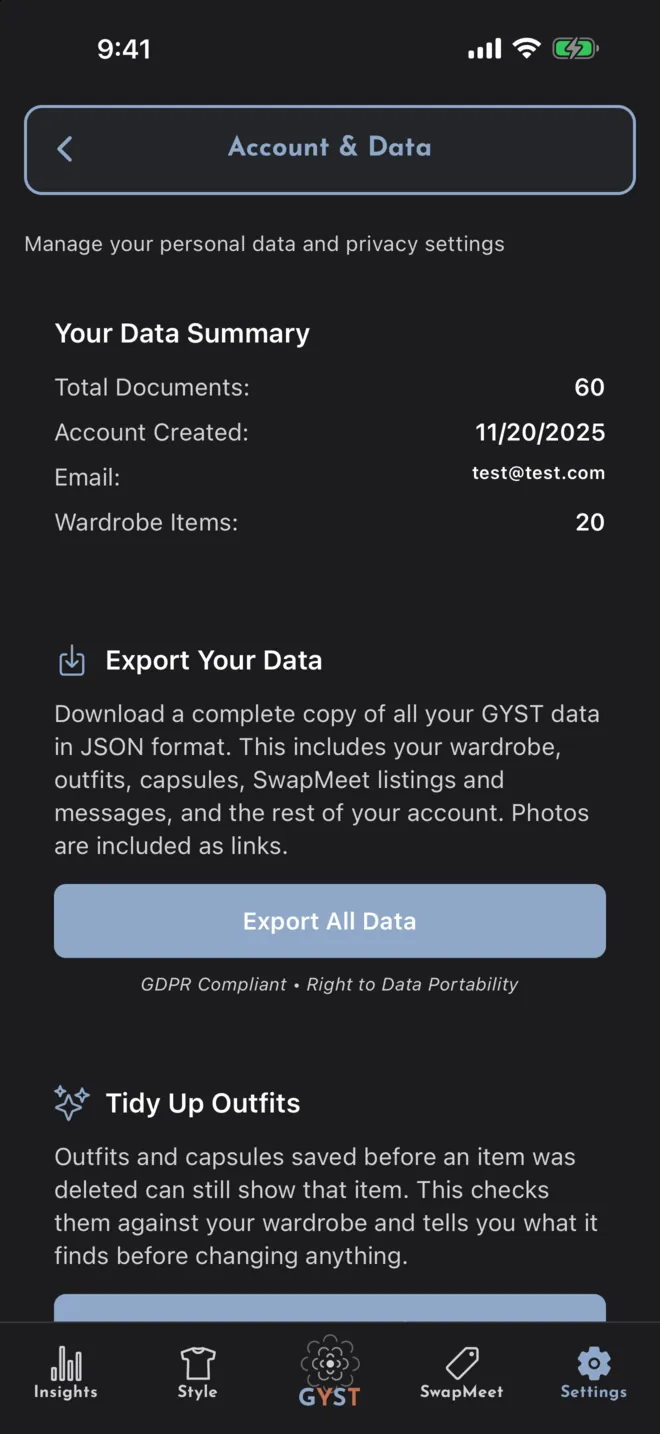
Settings, Your Data (GDPR), Export All Data. You get a file with your wardrobe, outfits, capsules, listings, messages and the rest of your account. Photos are included as links. More in the guide
How do I delete my account?
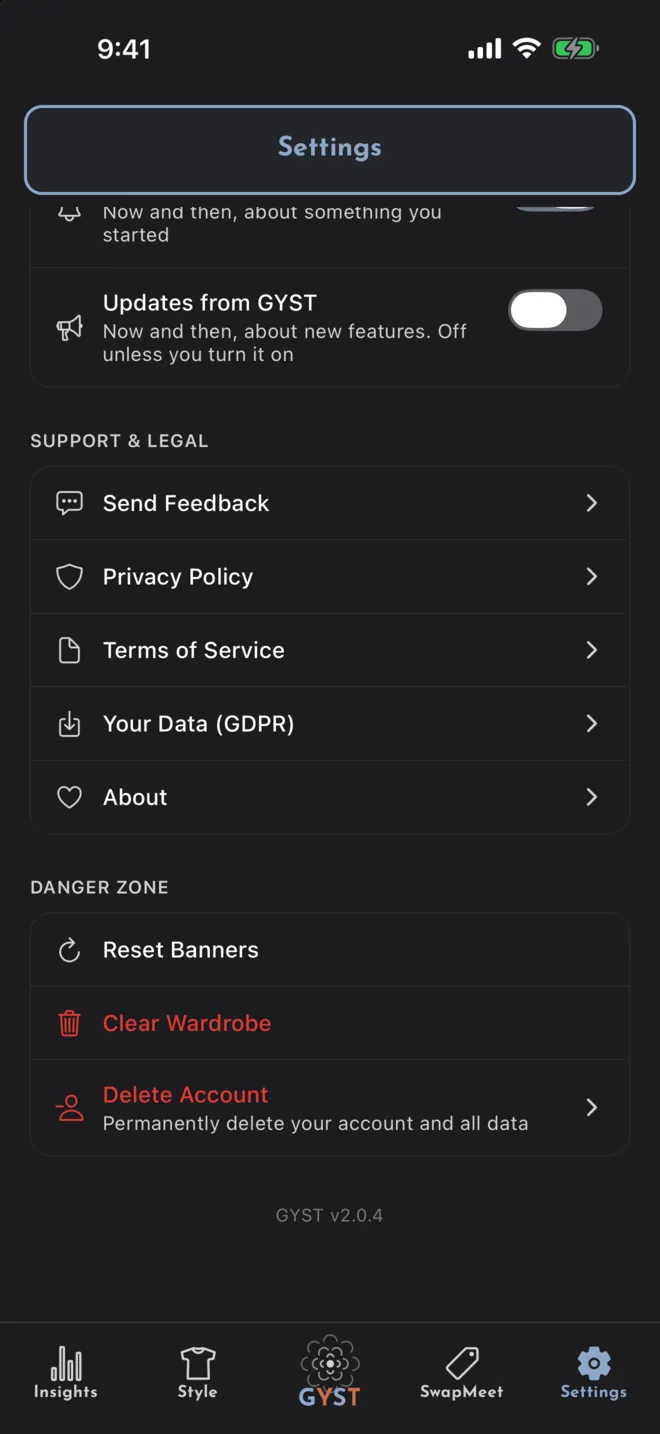
Settings, Danger Zone, Delete Account, then Delete My Account, and confirm with Apple or your password. It deletes your account, your data and your photos. More in the guide
Not answered here?
Email goes to the person who builds the app, so an answer takes a day or two rather than a ticket number.
Start with what you already own
Photograph the first five things you actually wear and see what GYST makes of them.