Photograph it once,
use it every morning
Cataloguing is the only work GYST asks of you, and AI Identify can do most of it. Everything after that is reading what you already put in.
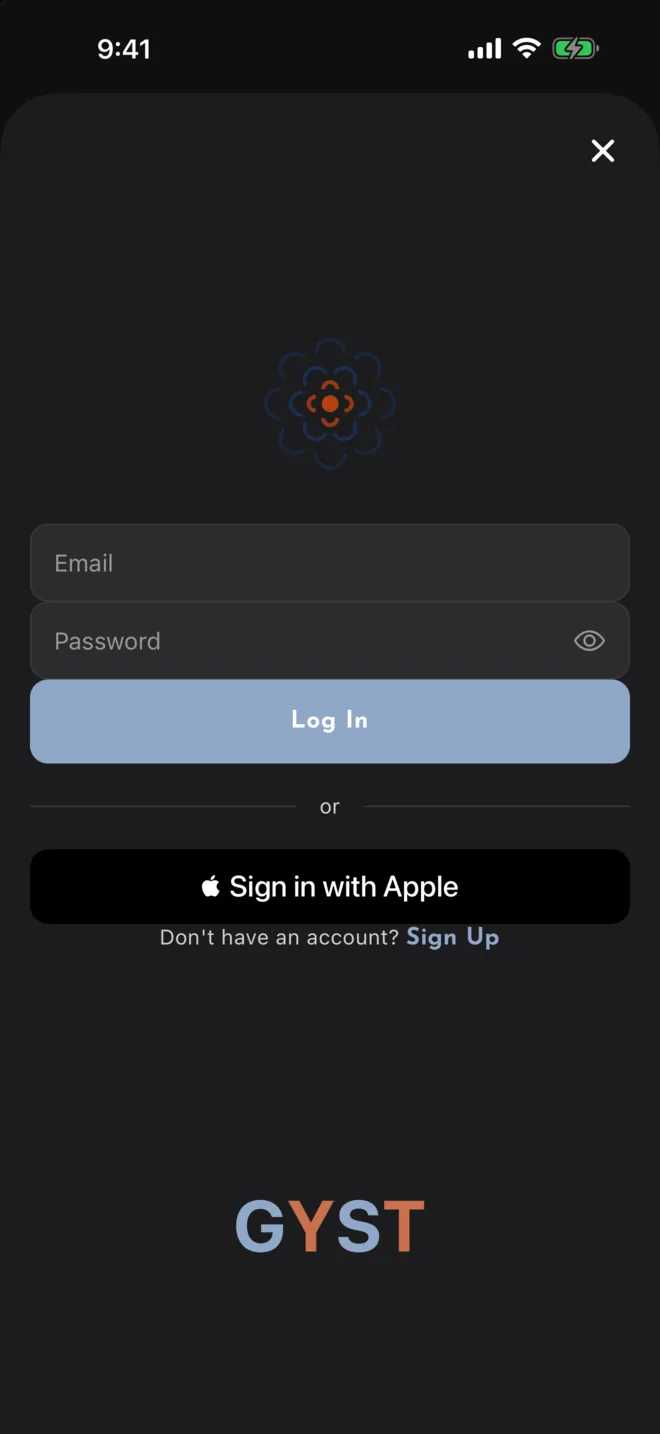
Download and sign in
GYST is on the App Store for iPhone and iPad. Sign in with Apple, or make an account with an email address.
- iOS 15.1 or later
- Sign in with Apple, or an email address
- Start by photographing one thing you own
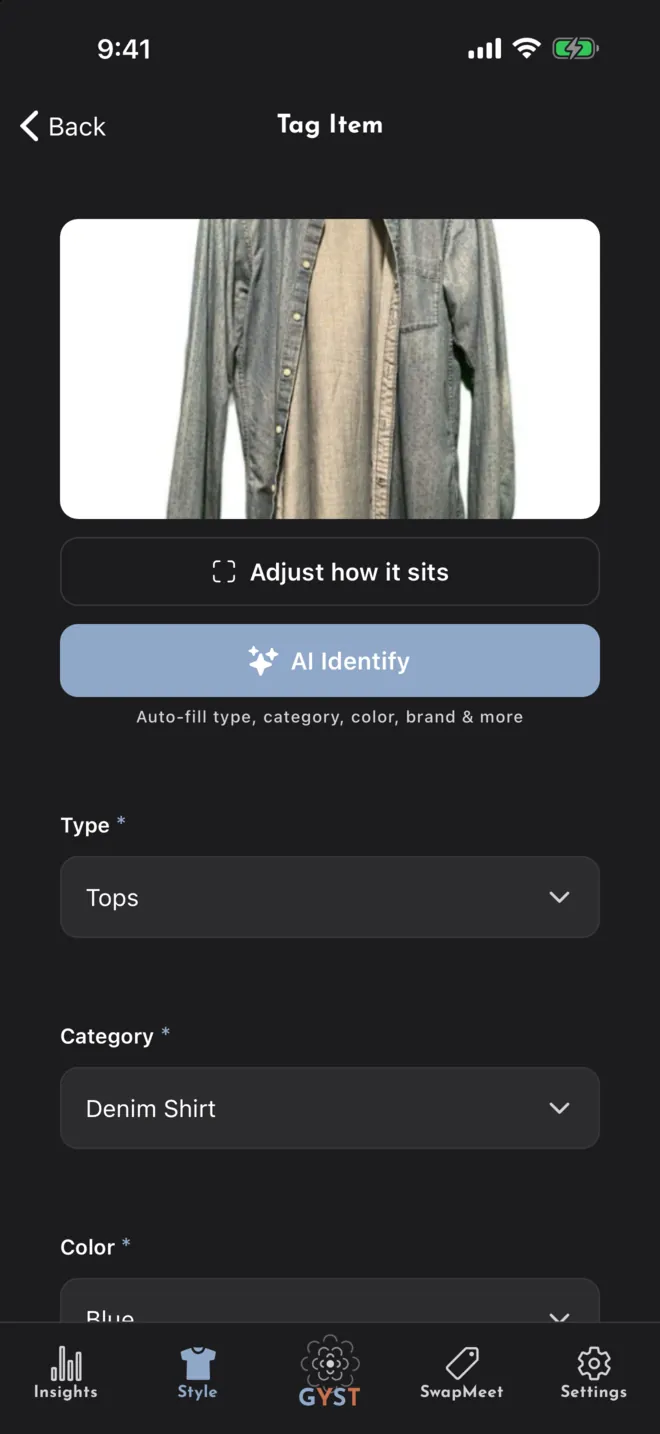
Photograph your clothes
Take a picture of an item and tap AI Identify to have its type, colour and pattern filled in. Correct anything it got wrong, add a size or a brand if you want, and save.
- Type, colour and pattern filled in from the photo
- Optional background removal, run on the phone
- Bags, hats and scarves catalogued alongside the clothes
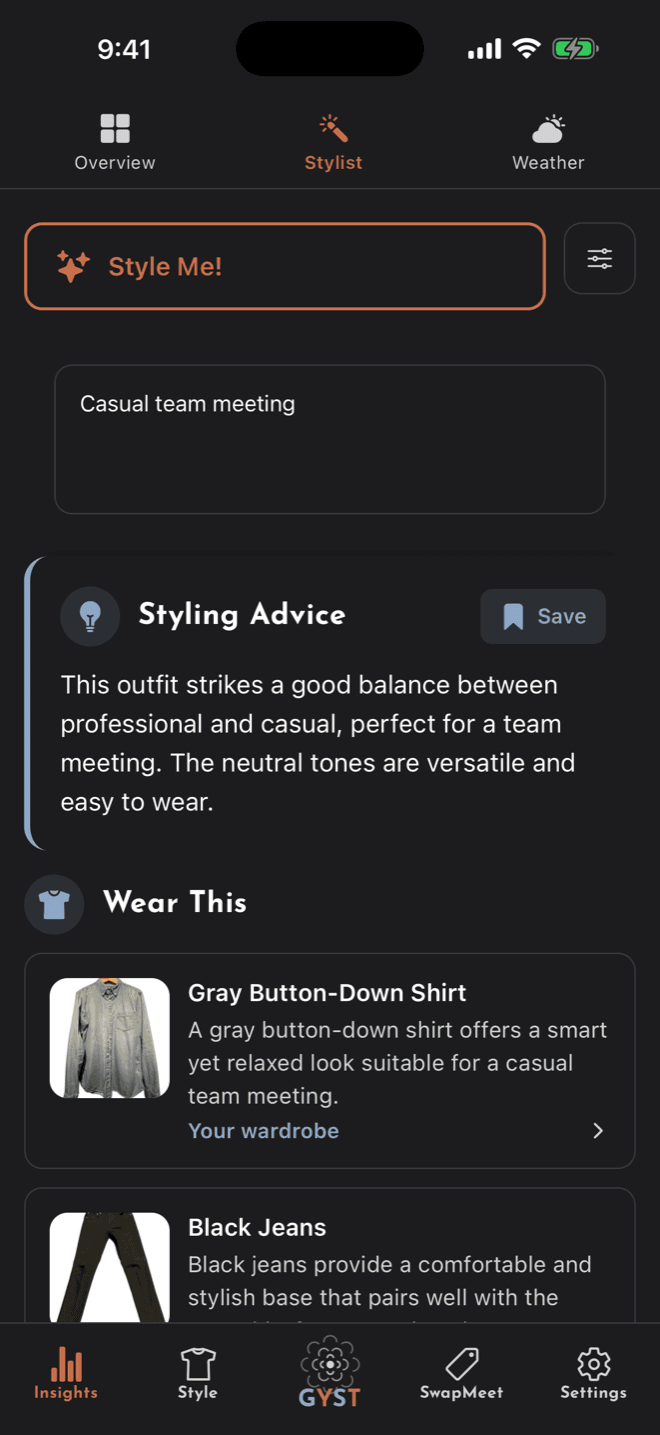
Open the app and get dressed
The home screen opens on an outfit built from your own items and the forecast. Ask the stylist directly when the day needs something specific.
- Today's Outfit, refreshed on demand
- Local forecast folded in, if you share location
- Save the combinations that worked
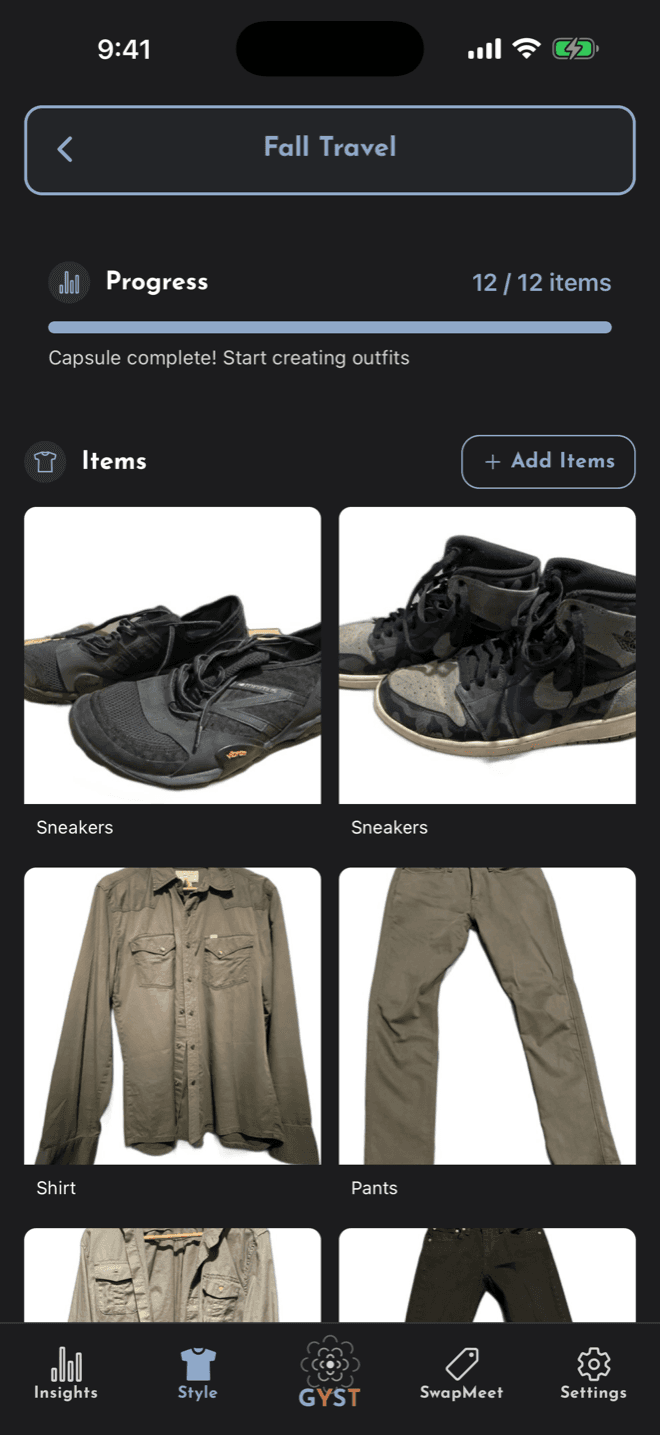
See what you never wear, and pass it on
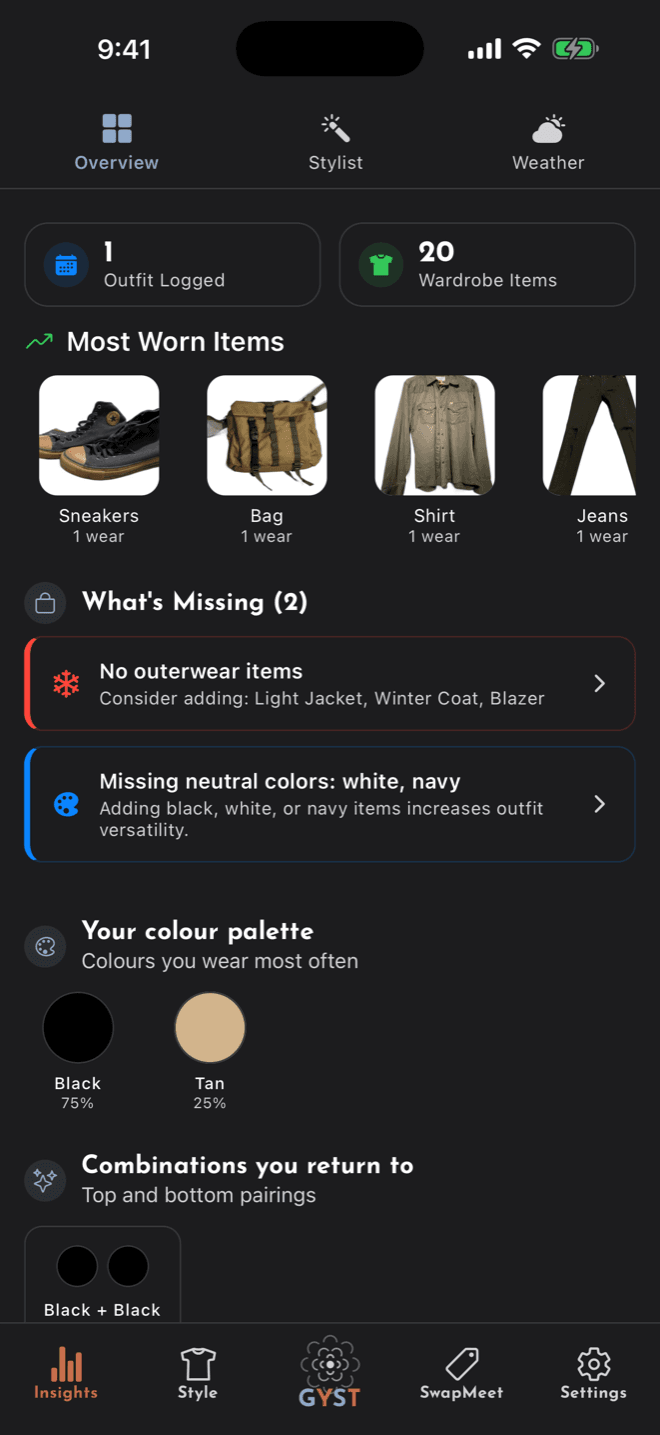
Logged outfits build up wear counts, so Insights can show the pieces carrying your week and the ones that have not moved. Those are the ones to list on SwapMeet.
- Most-worn items and your colour palette
- Wardrobe gaps worth filling before you buy
- List straight to SwapMeet, with no fee
The whole loop
Four steps, and the first one is the only slow one.
Download and sign in
GYST is on the App Store for iPhone and iPad. Sign in with Apple, or make an account with an email address.
Photograph your clothes
Take a picture of an item and tap AI Identify to have its type, colour and pattern filled in. Correct anything it got wrong, add a size or a brand if you want, and save.
Open the app and get dressed
The home screen opens on an outfit built from your own items and the forecast. Ask the stylist directly when the day needs something specific.
See what you never wear, and pass it on
Logged outfits build up wear counts, so Insights can show the pieces carrying your week and the ones that have not moved. Those are the ones to list on SwapMeet.
Common questions
How many items do I need before it is useful?
Today’s outfit needs at least three items to choose between, and has more to work with the more you add. Start with the things you wear every week rather than trying to catalogue the whole closet in one sitting.
How good are the suggestions?
By default the daily outfit is put together on your phone, from your items, the forecast, and what you have worn and liked. The Stylist, and the daily outfit if you switch it over in Settings, use Google Gemini instead, which names real pieces you own with a reason for each. Either way they are a starting point, not a verdict.
What happens to my photos?
They are stored in your own account on Firebase and are never sold or handed to advertisers. A photo goes to Google Gemini only when you tap AI Identify or Get AI Suggestions, or ask GYST to find the items in an outfit photo; styling questions send descriptions of your clothes, not photos.
Ready to start?
Download GYST and photograph the first five things you actually wear.